The Virtual Tabletop

Gaze into the scrying mirror

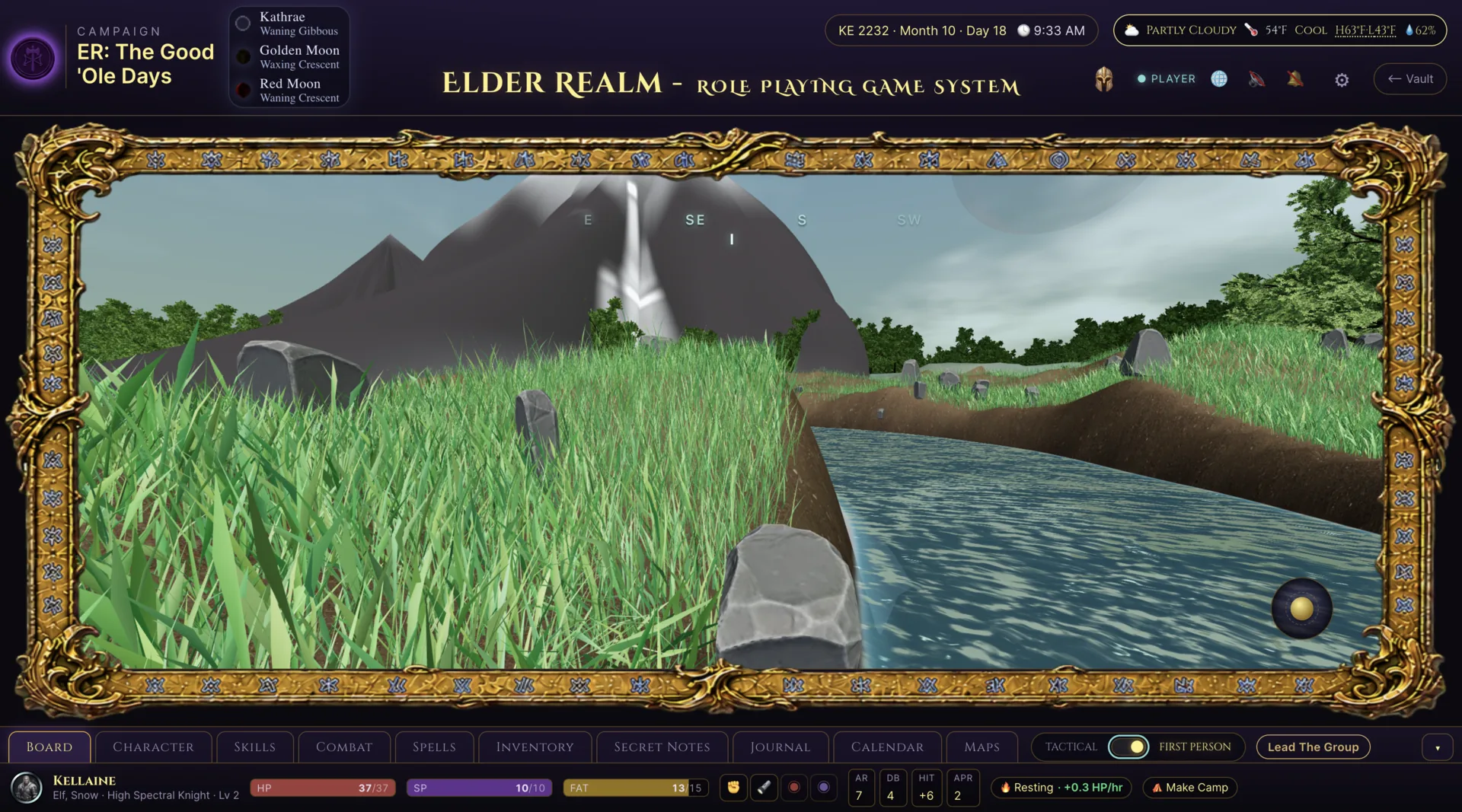
Run Elder Realm encounters from a tactical view or step into character point of view. The multiplayer 3D scene carries the same characters, rules, terrain, weather, senses, effects, and audio as the rest of the game.

Elder Realm player view of a waterfall biome in the multiplayer 3D tabletop
A world, not a map

30 biomes. Two ways to play.

Stage encounters across 30 biomes, then choose the view that fits the moment: overhead tactical control for the whole battlefield or character point of view at ground level.

  • 30 biomes for varied encounter spaces
  • Tactical 3D control for positioning and encounter flow
  • Character point of view for exploration at ground level
  • The same shared scene for players and the Game Master
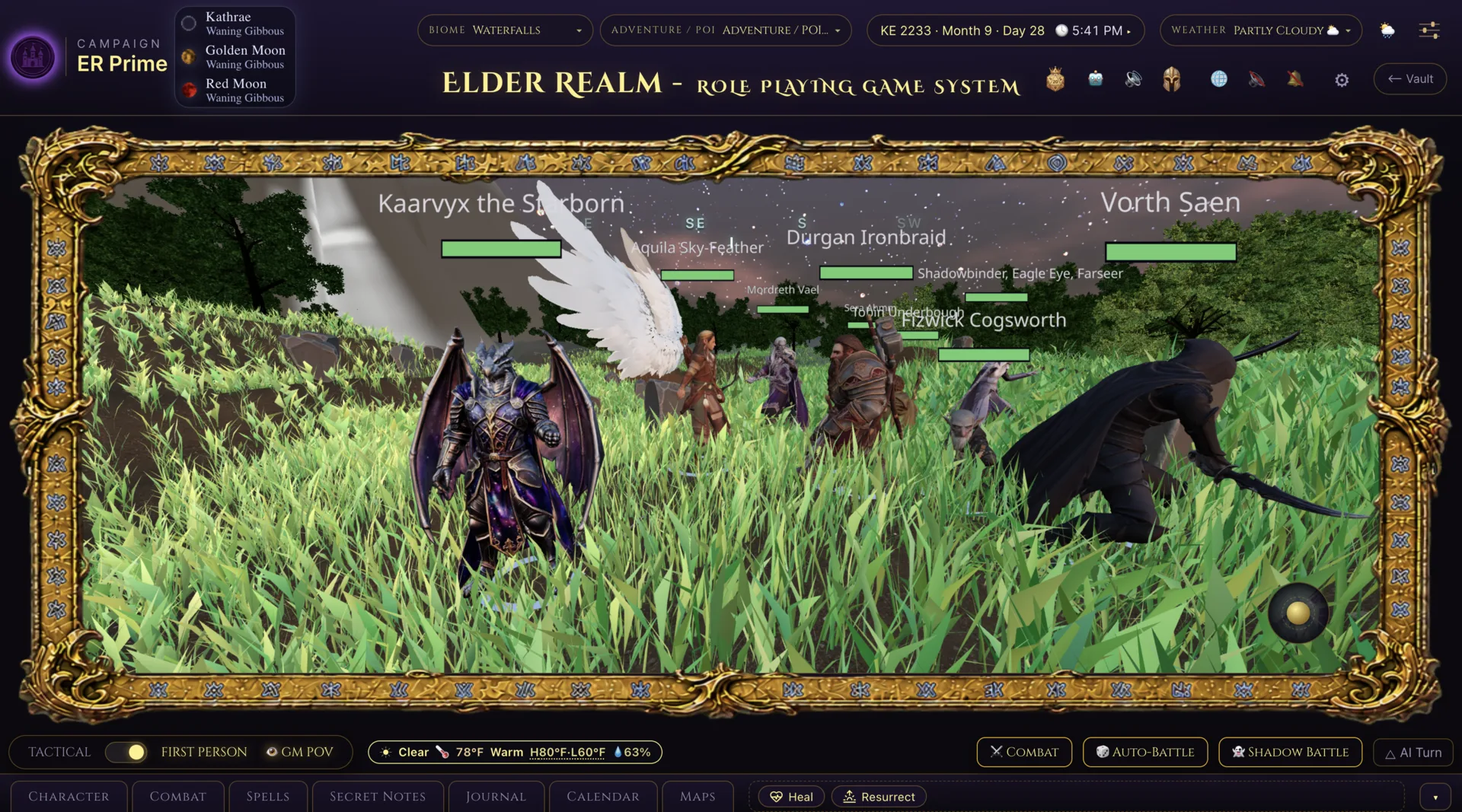
Elder Realm Game Master first-person view of a varied adventuring party together in the Waterfalls biome
Bring the whole party into the scene

Stand beside the characters, not above a generic map

Character point of view puts a varied adventuring party together inside the same shared 3D environment. Switch to tactical play when positioning matters without leaving the encounter behind.

  • The party represented together in the live scene
  • Tactical and character point-of-view play on the same battlefield
  • Characters, rules, and encounter state remain connected
See through the character

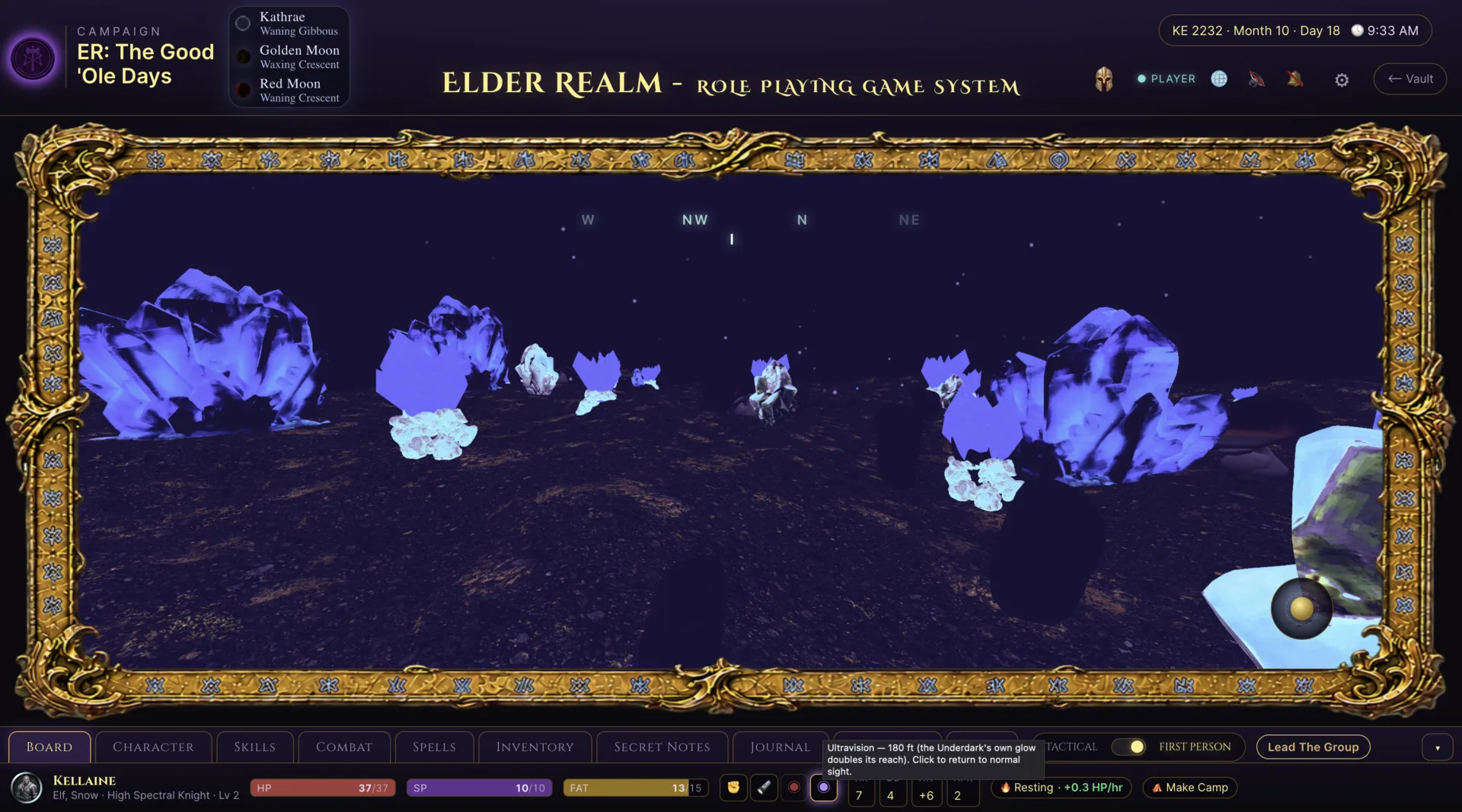
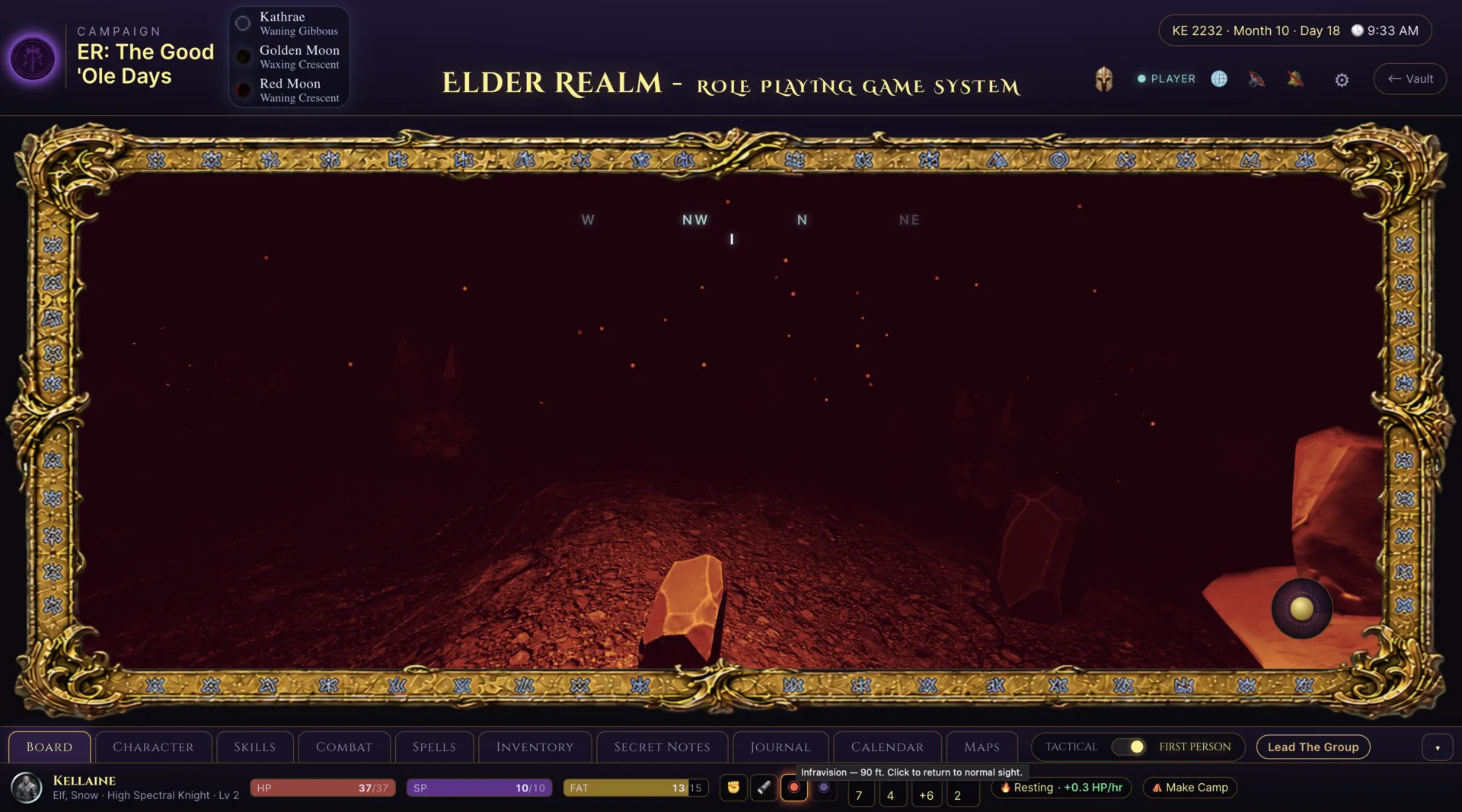
Two character senses. One shared darkness.

UltraVision and Infravision render the same Underdark scene through different character capabilities, while the tactical view, terrain, and encounter state remain shared.
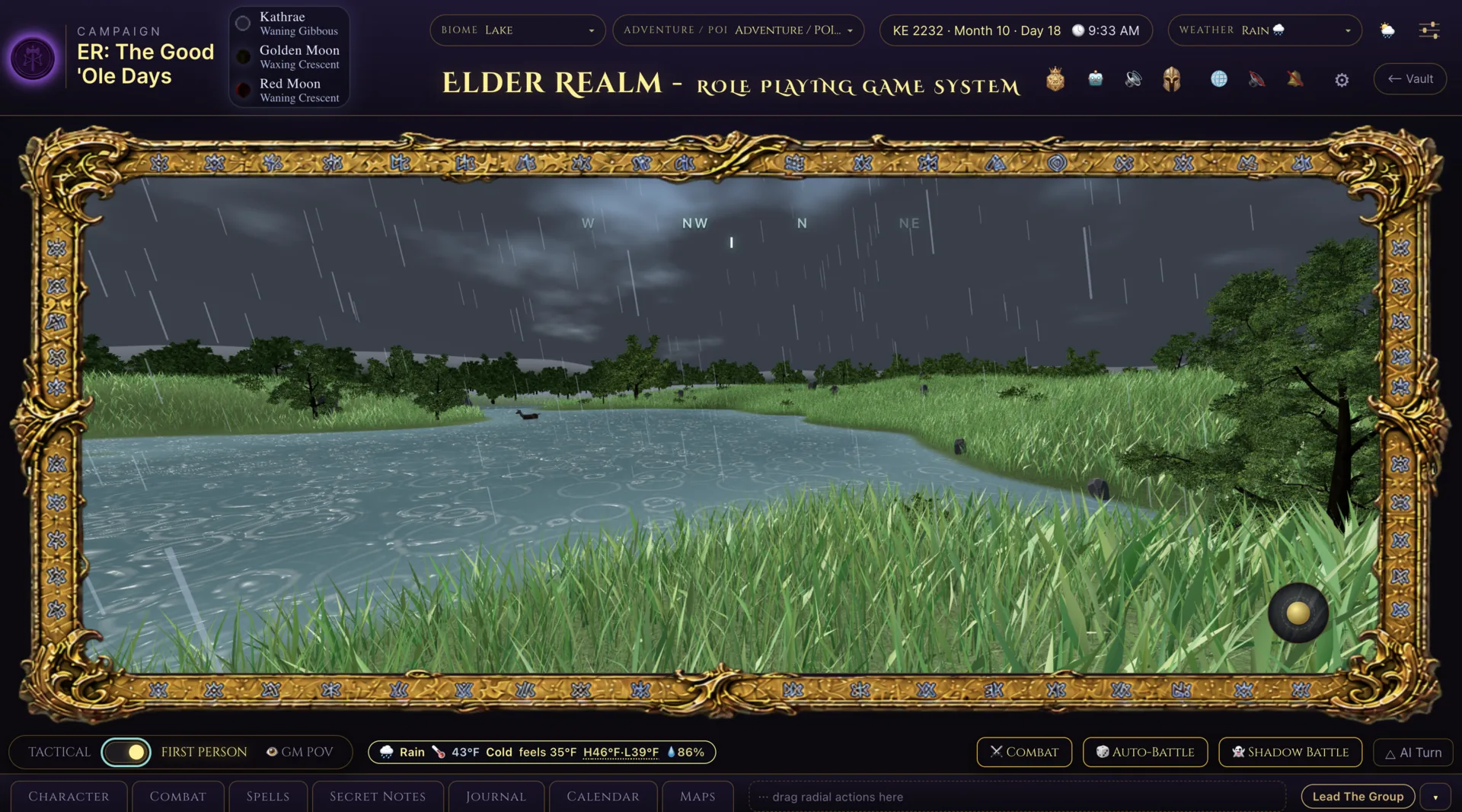
Elder Realm Game Master view of rain over a lakeside biome
A world that breathes

Weather you can see and hear

Move among 14 weather states, advance time through day and night, and let the soundscape respond. Biome ambience, weather layers, and state-aware music work together so the scene sounds like the world it represents.

  • 14 distinct weather states
  • Living biome soundscapes and day/night ambience
  • Weather audio layered over the current environment
  • State-aware music that follows play
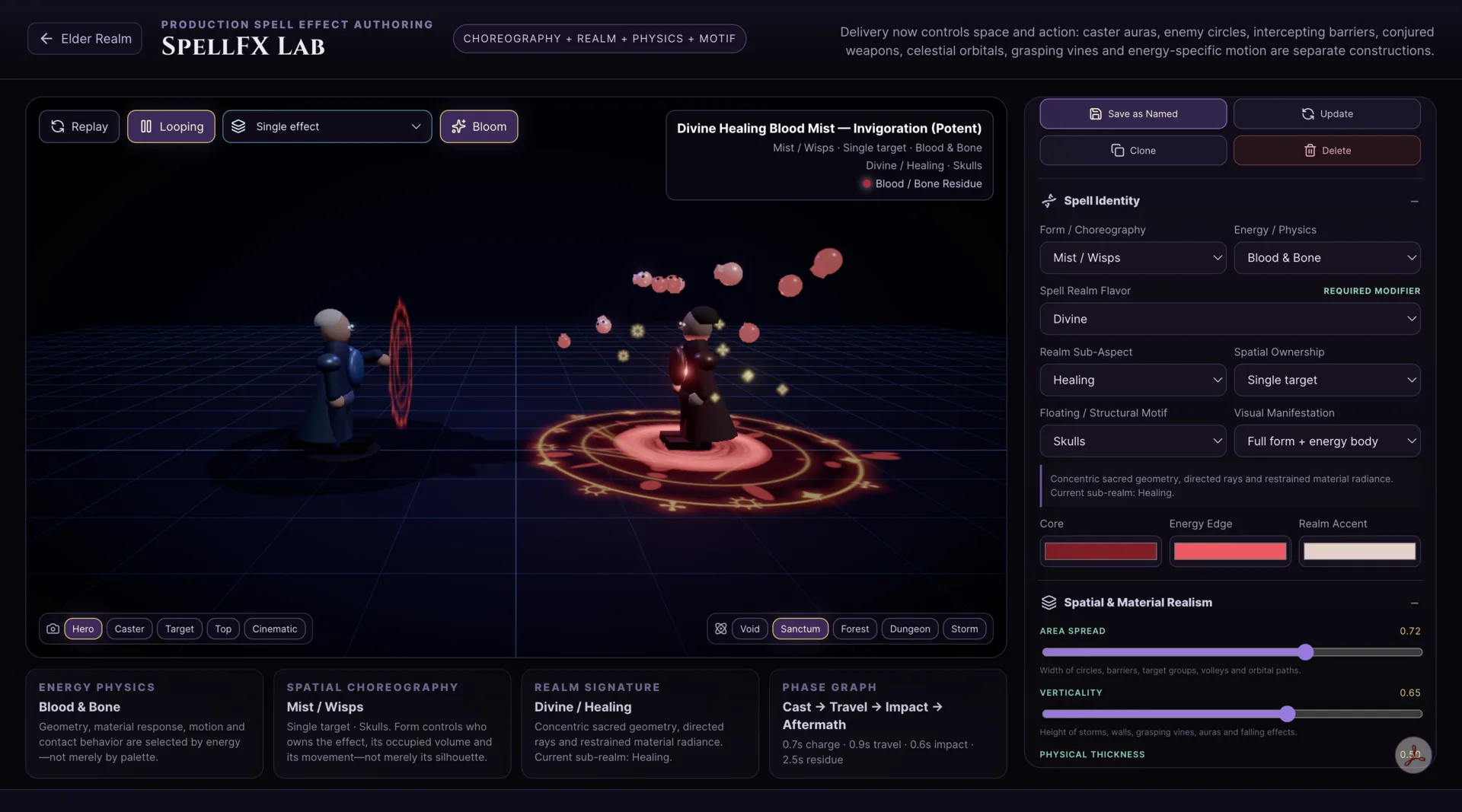
SpellFX Lab showing a Game Master-authored shared visual effect
SpellFX Lab

Author an effect once. Share it with the table.

Game Masters can author shared visual effects in the SpellFX Lab, preview them, and link them to spells and abilities so the same effect appears when that action is used in play.

  • GM-authored shared visual effects
  • Effects linked directly to spells and abilities
  • Preview before using an effect at the table
  • Consistent visuals across the shared encounter
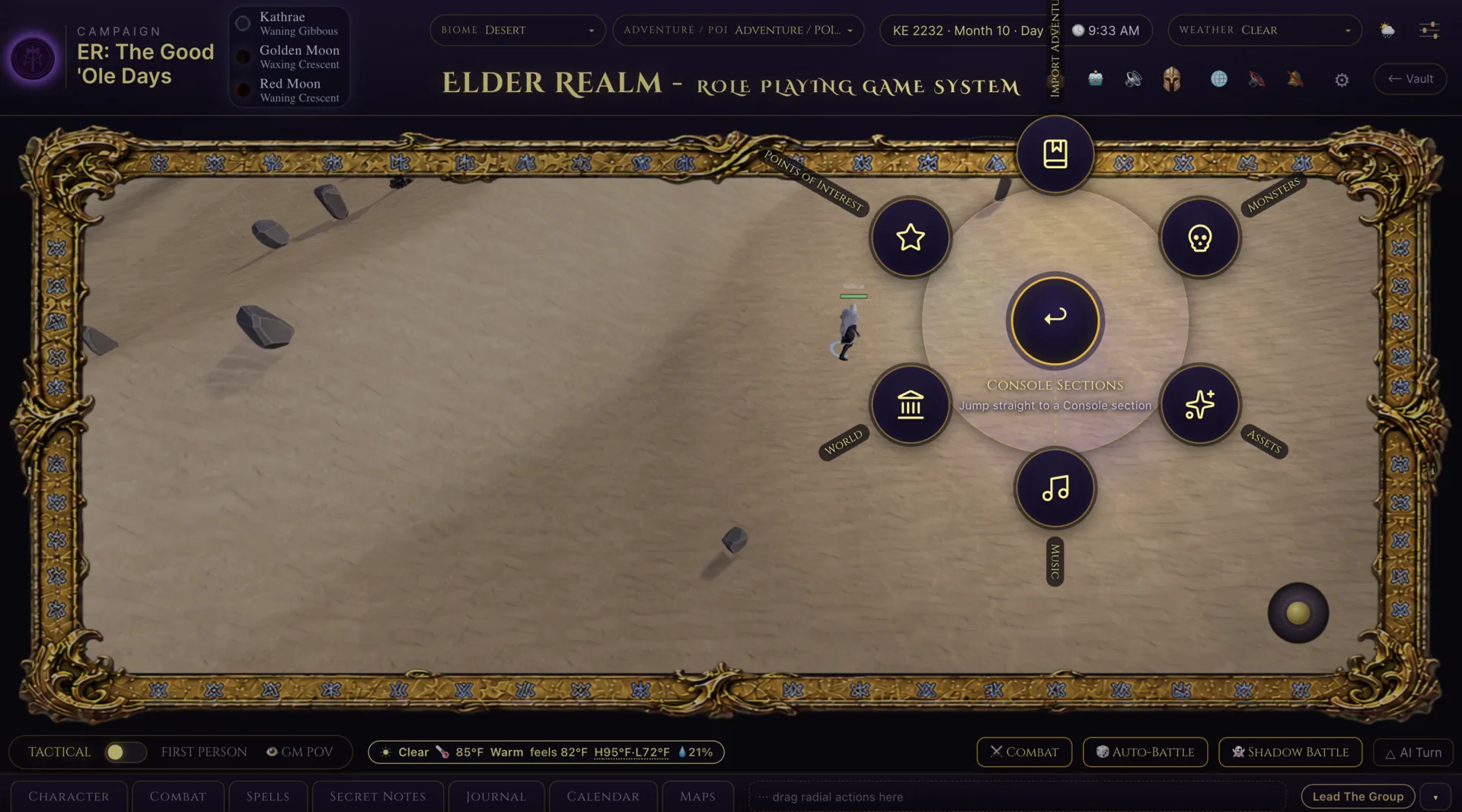
Elder Realm Game Master combat controls with Shadow Battle available in the interface
Shadow Battle

Rehearse the encounter without touching the live game

Shadow Battle gives the GM a private encounter rehearsal that preserves the live campaign. Replay the fight, test variants, and compare multi-run outcome statistics before the party arrives.

  • Private GM rehearsal separated from live state
  • Replay the same encounter and test variants
  • Run multiple simulations for outcome statistics
  • Return to the preserved live game when ready
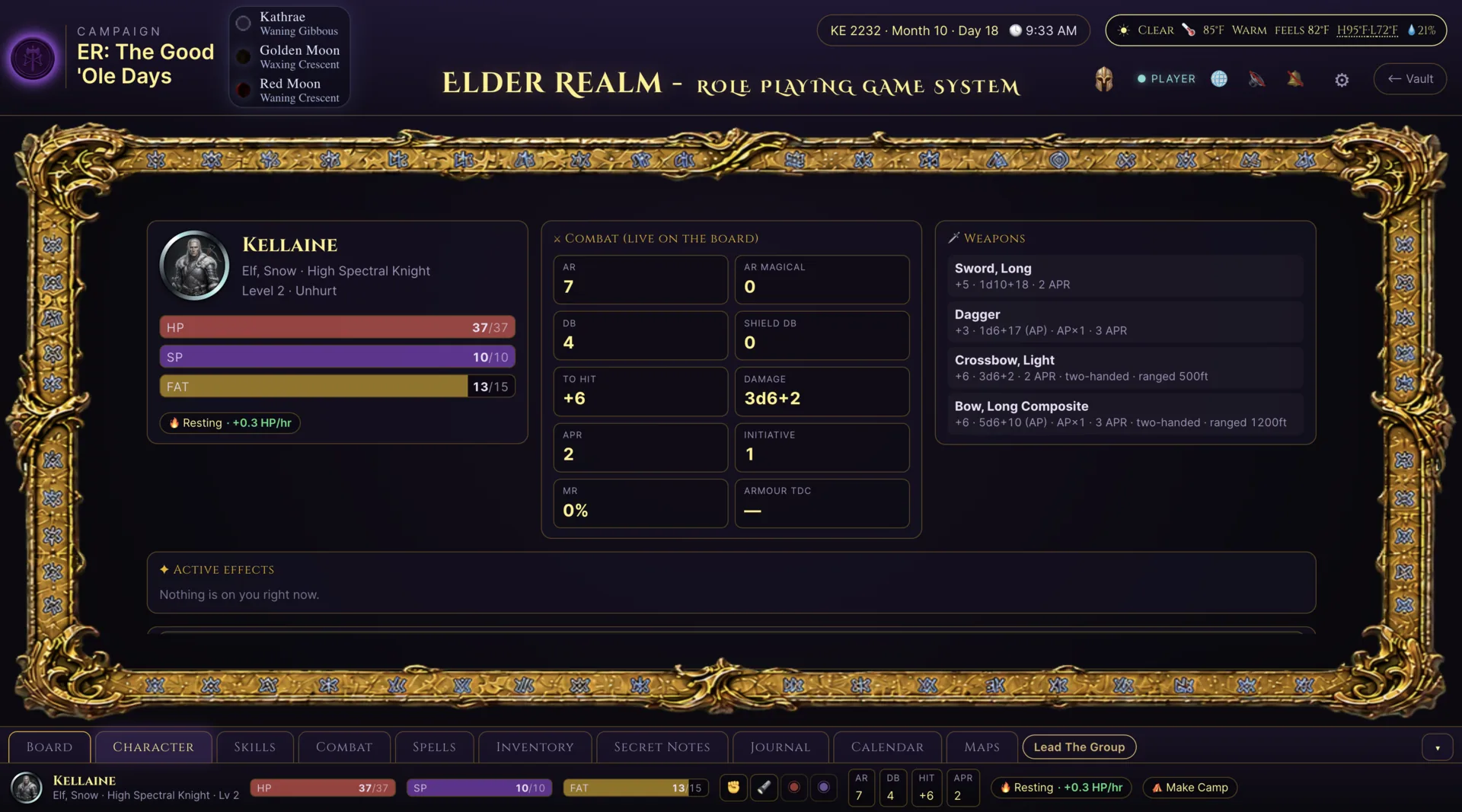
Live character cards

Your party, brought to life

The character overview keeps attributes, resources, combat information, skills, spells, and inventory within the same game used at the table.

Elder Realm character overview with live attributes and resources
Built-in table essentials

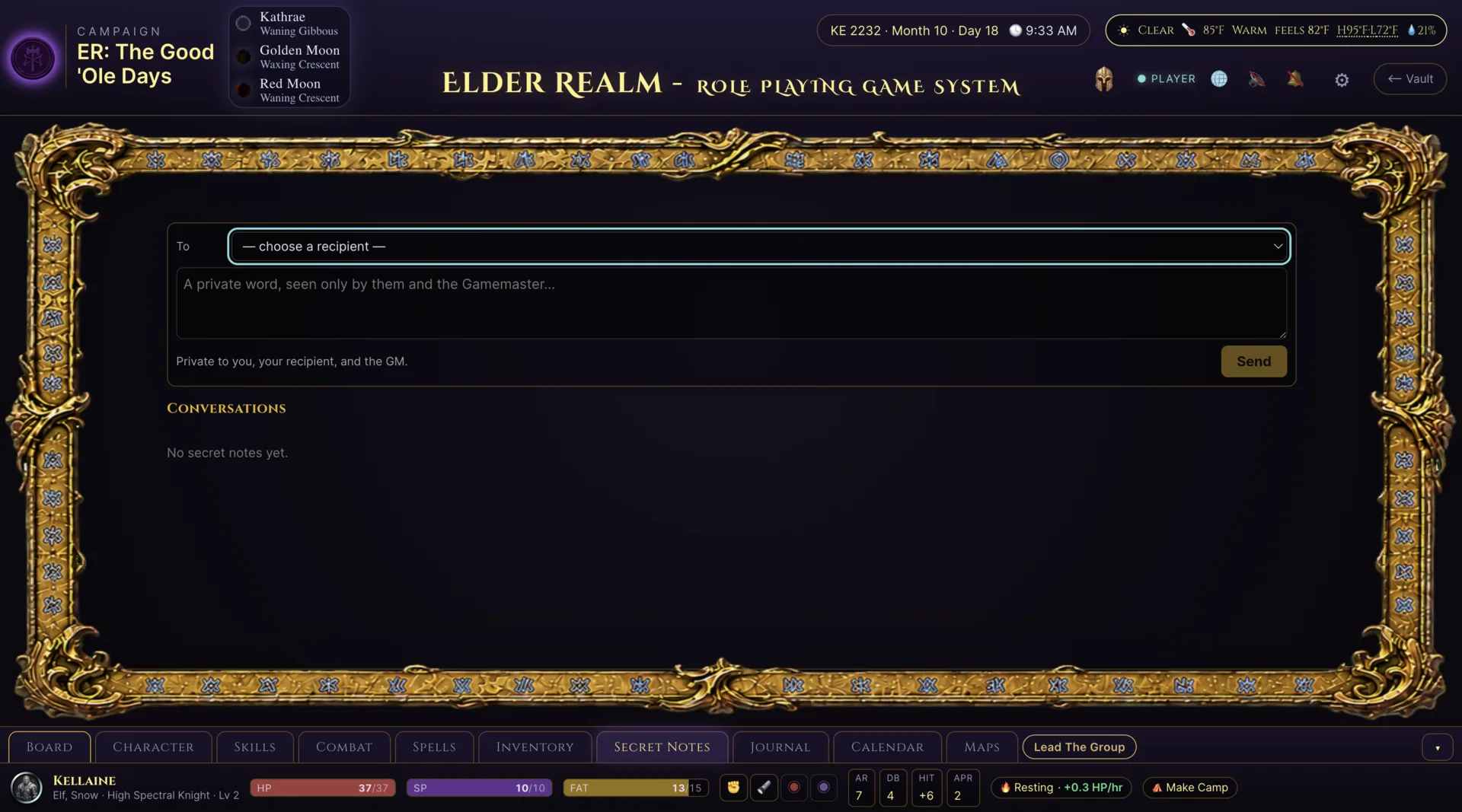
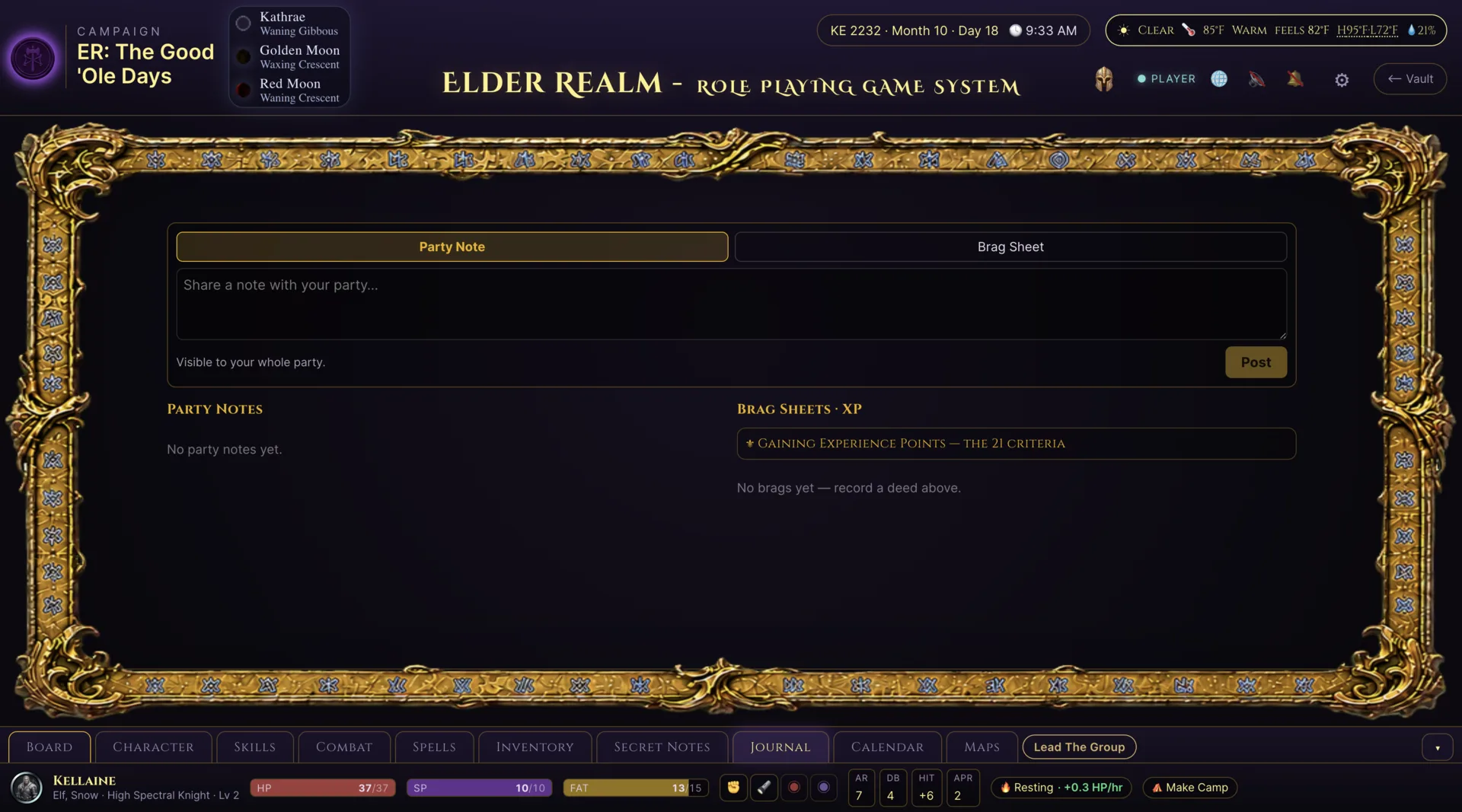
Keep side conversations and campaign memory inside the table

Players and GMs should not need a separate chat app and document just to handle a private exchange or remember what happened. Elder Realm keeps both workflows in the same role-aware player surface used during play.

And everything else in the mirror

A complete table, ready to run

The SpellFX Lab

Author shared visual effects, preview them, and link them directly to spells and abilities.

Encounter Builder

Prepare creatures and encounters in the same Game Master workspace used for the shared 3D table.

Living soundscapes

Biome ambience, day/night sound, weather layers, and state-aware music respond to the scene.

Connected characters

Character attributes, resources, skills, spells, and inventory remain part of the integrated game used at the table.

Shadow Battle

Privately replay encounters, compare variants, and review multi-run outcome statistics without changing the live game.

30 biomes

Move from wilderness to underground and aquatic environments without leaving the shared 3D tabletop.

14 weather states

Weather, time, day/night ambience, and layered audio change the atmosphere of play.

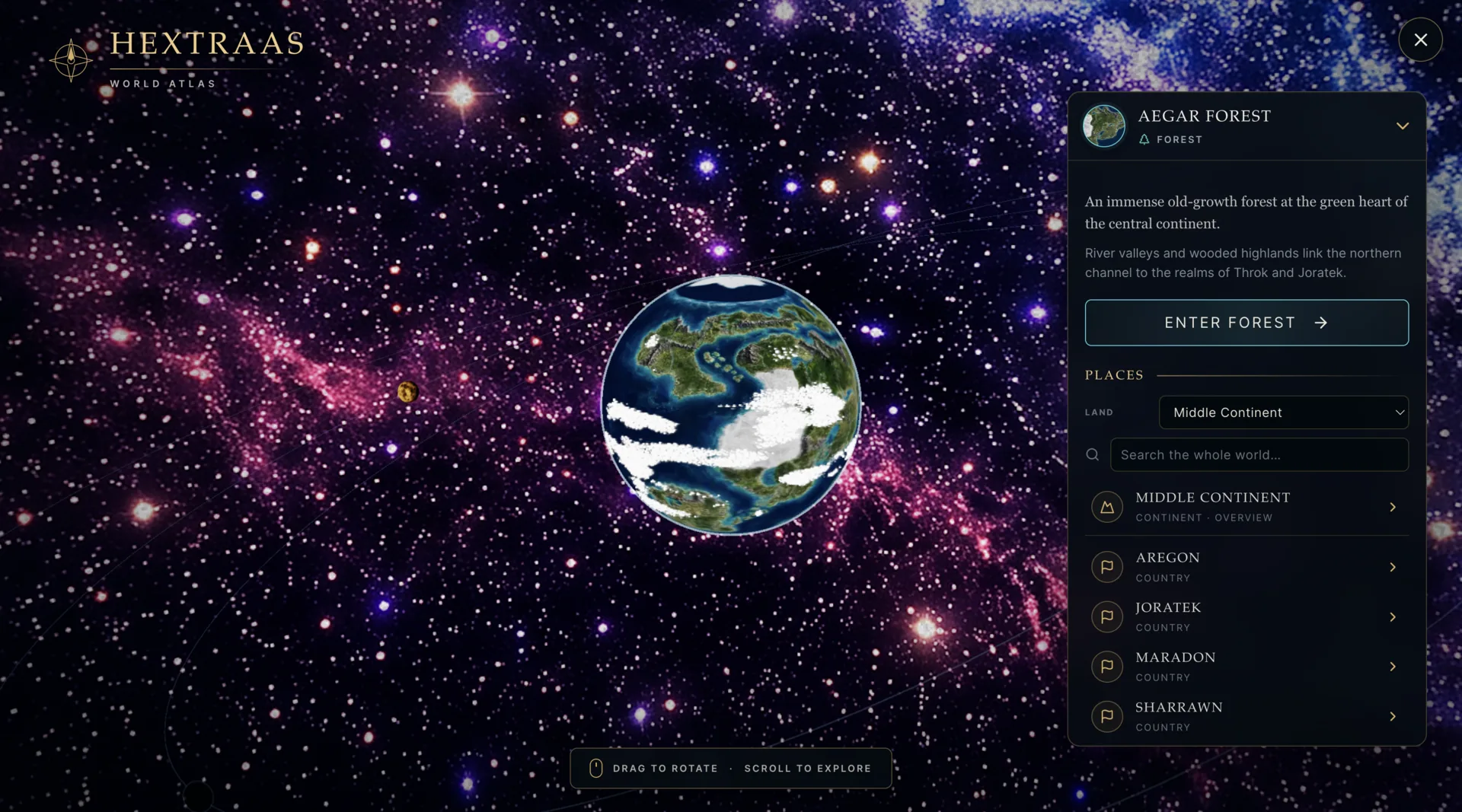
World Atlas

The setting remains part of play

The World Atlas carries player-visible geography and settlements alongside the rules, characters, and shared tabletop.

Elder Realm World Atlas with player-visible settlements, geography, and map navigation